
Specifications
Pricing Model
Freemium
Category
Audios Generator
Languages
English
Last Update
Updated Dec 2025
Platforms
Web
Best For:
-
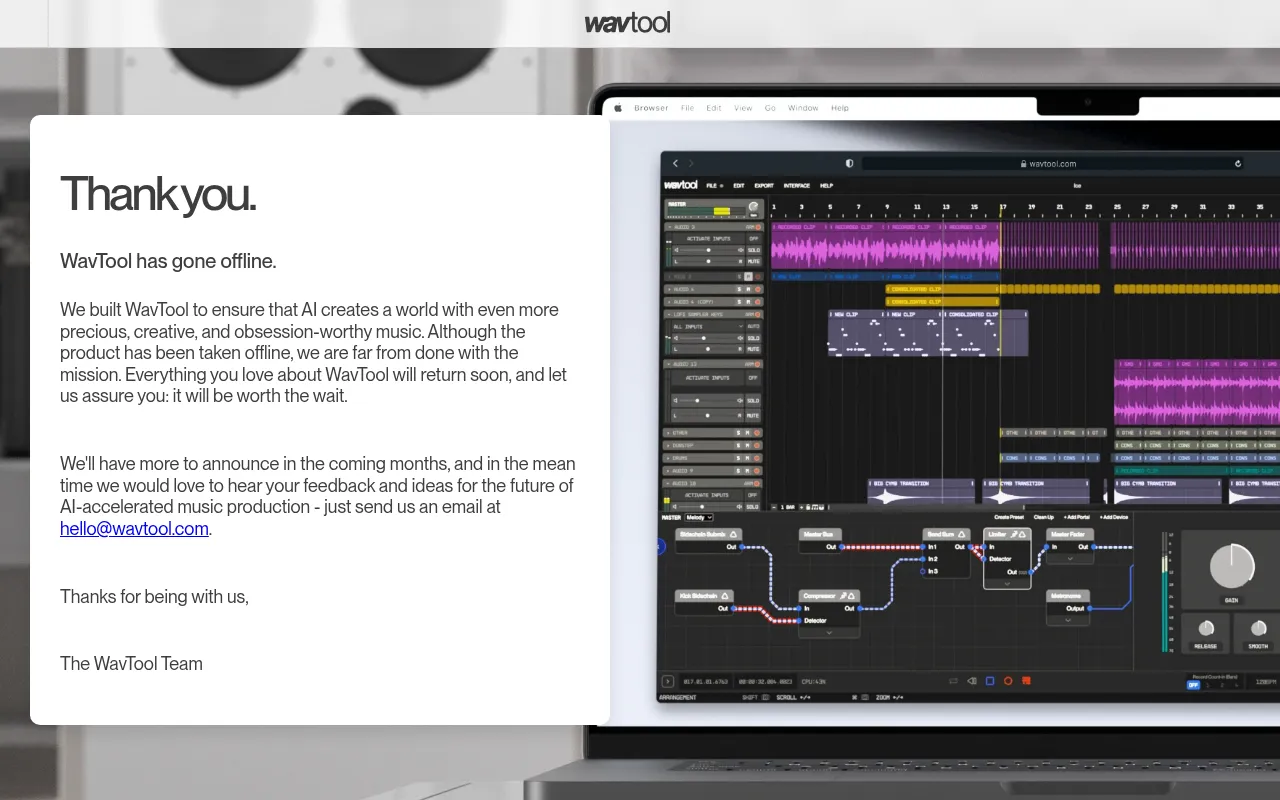
Aspiring Music ProducersLearn music production and create tracks with AI guidance, without expensive software.
-
Content Creators & PodcastersQuickly compose custom background music, intros, and sound effects for videos and podcasts.
-
Songwriters & ComposersOvercome writer's block and generate new melodic ideas, harmonies, and drum patterns using AI.
-
Remote CollaboratorsWork on music projects simultaneously with team members or clients in real-time from anywhere.
Key Features
Commercial Use
API Available
Beginner Friendly
Gallery & Demo
Pros
- Fully browser-based, no installation required
- Powerful AI assistant (Conductor) for generating ideas and sounds
- Real-time collaboration for multiple users
- Comprehensive free tier with generous features
- Combines traditional DAW workflow with modern AI tools
Cons
- Requires a stable internet connection
- Advanced features and higher usage limits require a paid subscription
- May have a learning curve for absolute beginners to music production
Frequently Asked Questions
Is WavTool completely free?
WavTool offers a robust free plan with core features. Paid Pro and Team plans unlock higher generation limits, more sounds, and advanced collaboration tools.
Do I need to download any software?
No. WavTool is a web application that runs entirely in your browser (Chrome recommended). All processing happens in the cloud.
Can I use the music I create commercially?
Yes, you own the rights to the music you create on WavTool, and it can be used for commercial purposes, even on the free plan.
What AI features does it have?
The Conductor AI can generate drums, melodies, and basslines from text prompts, continue or reharmonize your ideas, and answer production questions.
Release History
vv2.0
Aug 01, 2024
Conductor AI & Major Rework
Introduced the powerful Conductor AI assistant, a completely redesigned UI, and new generation models for music and drums.
