
Specifications
Pricing Model
Freemium
Category
Audios Generator
Languages
English
Last Update
Updated Dec 2024
Platforms
Web
Best For:
-
Karaoke EnthusiastsCreate custom karaoke tracks by removing vocals from favorite songs for personal or public use.
-
Content Creators & DJsExtract acapellas or instrumentals for remixes, mashups, and background music in videos, streams, or live sets.
-
Music Learners & EducatorsIsolate specific parts of a song (like a guitar solo or vocal line) to practice, transcribe, or study in detail.
Key Features
No Watermark
Beginner Friendly
Gallery & Demo



Pros
- Completely free to use with no hidden costs or subscriptions
- Extremely user-friendly and requires no technical knowledge
- Fast processing time for most standard-length songs
- No registration or account creation required
- Produces surprisingly good separation quality for a free tool
Cons
- Output audio quality can be inconsistent and may contain artifacts
- Limited control over separation parameters (e.g., stem count, intensity)
- File size and upload limits may restrict very long or high-resolution tracks
Frequently Asked Questions
Is Vocal Remover really free?
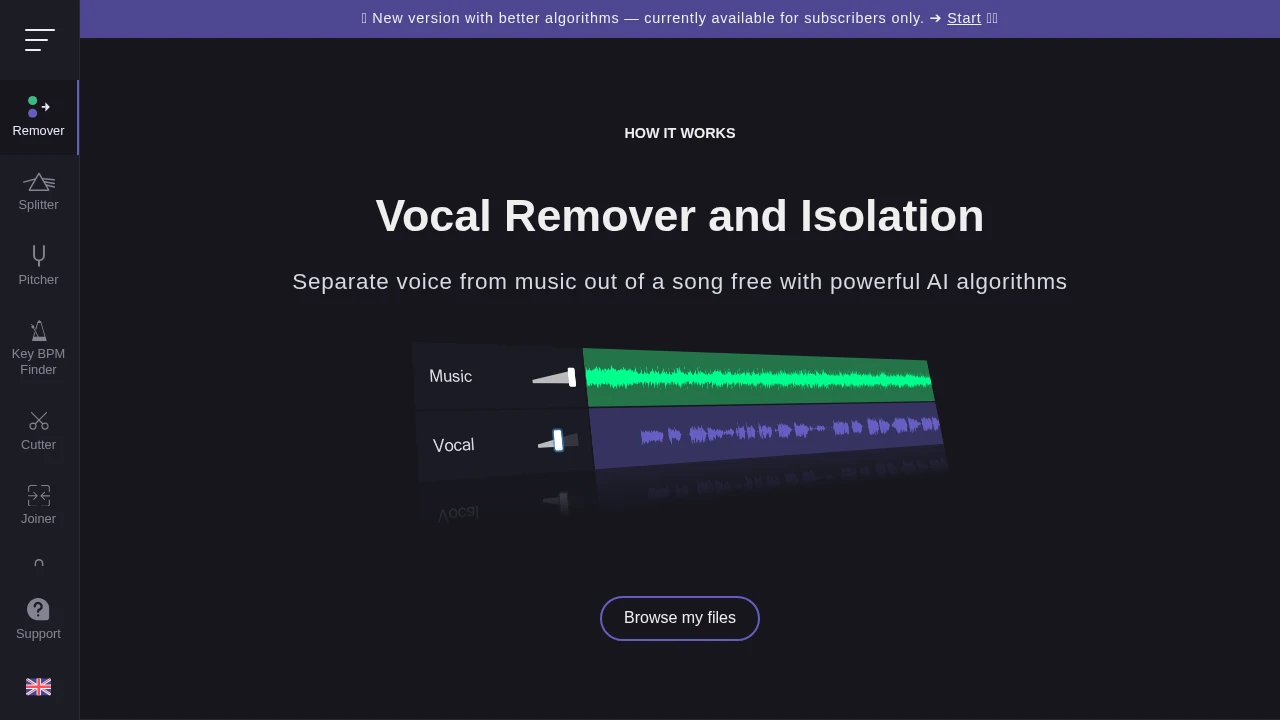
Yes, the core vocal removal and stem separation service on vocalremover.org is completely free with no watermarks on downloads.
What audio formats are supported?
It supports common formats including MP3, WAV, OGG, FLAC, and AIFF. Output is typically provided as MP3 or WAV.
How long does processing take?
Processing time depends on song length and server load, but a typical 3-4 minute song takes about 1-2 minutes to process.
What is the maximum file size?
The free version has a limit, typically around 50-100 MB per file, which is sufficient for most high-quality stereo tracks.
Release History
vv2.0
Nov 01, 2023
Multi-Stem Separation Launch
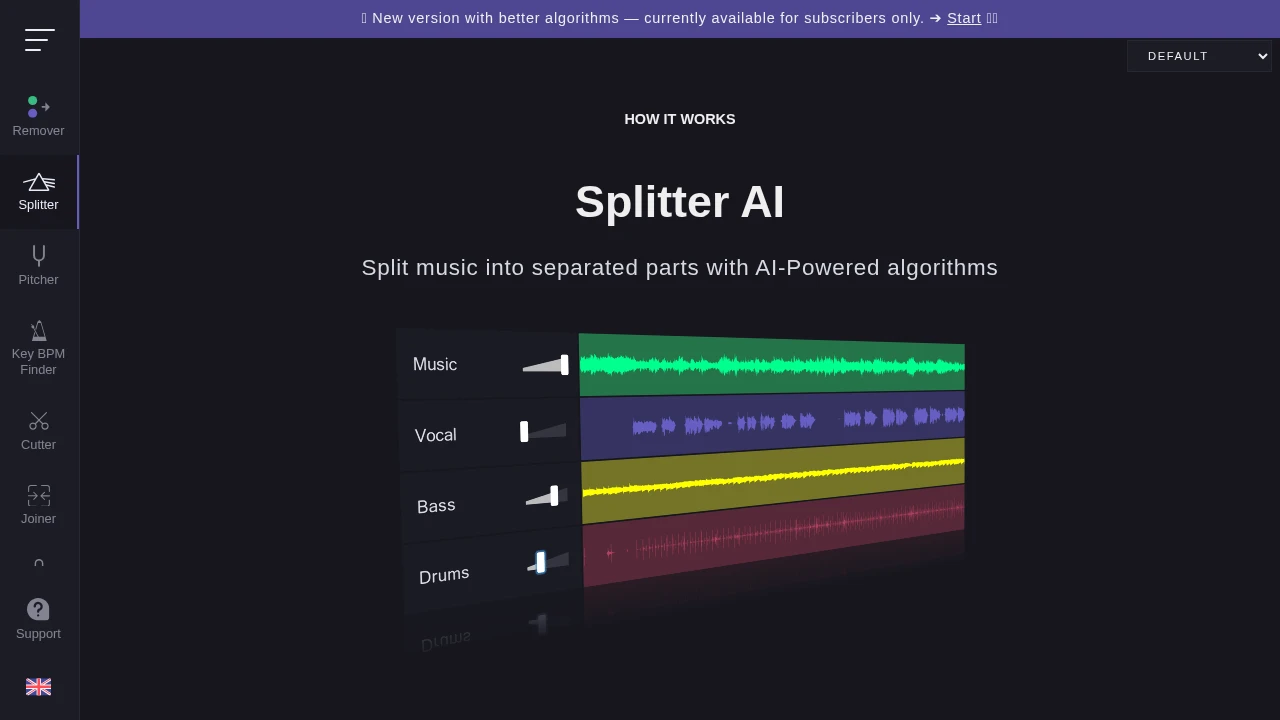
Introduced advanced AI model capable of separating audio into 4 stems (vocals, drums, bass, other) for premium users.
vv1.5
Jun 15, 2022
Quality & Speed Upgrade
Major update to the underlying AI engine, significantly improving separation quality and reducing processing time for all users.
