
Specifications
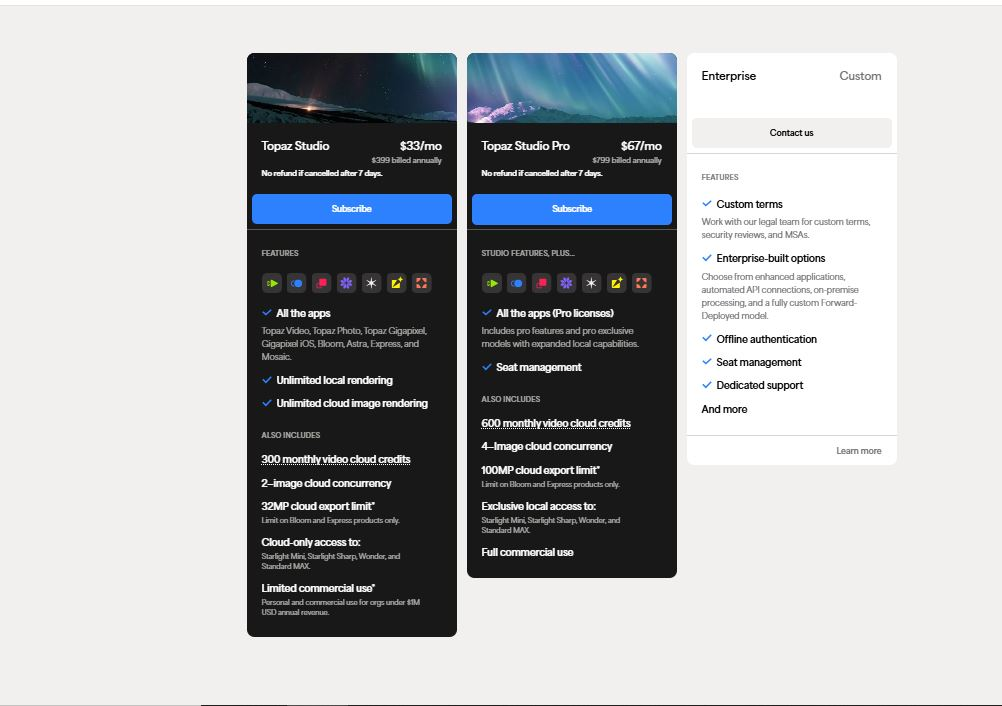
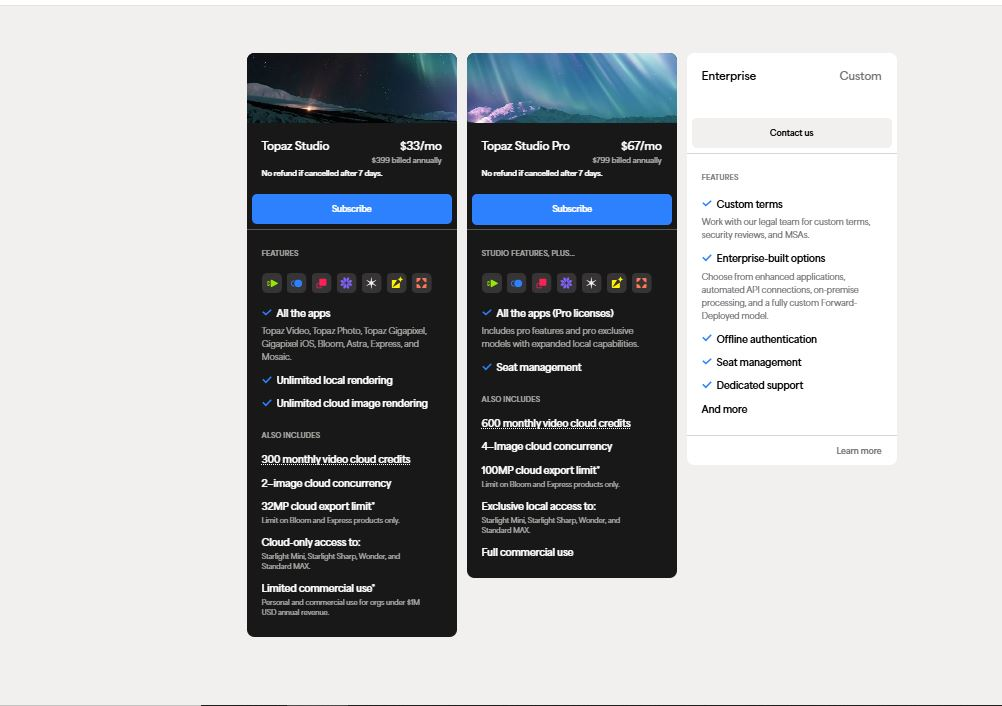
Pricing Model
Paid
Category
Videos Generator
Languages
English
Last Update
Updated Dec 2024
Platforms
Windows
Mac
Best For:
-
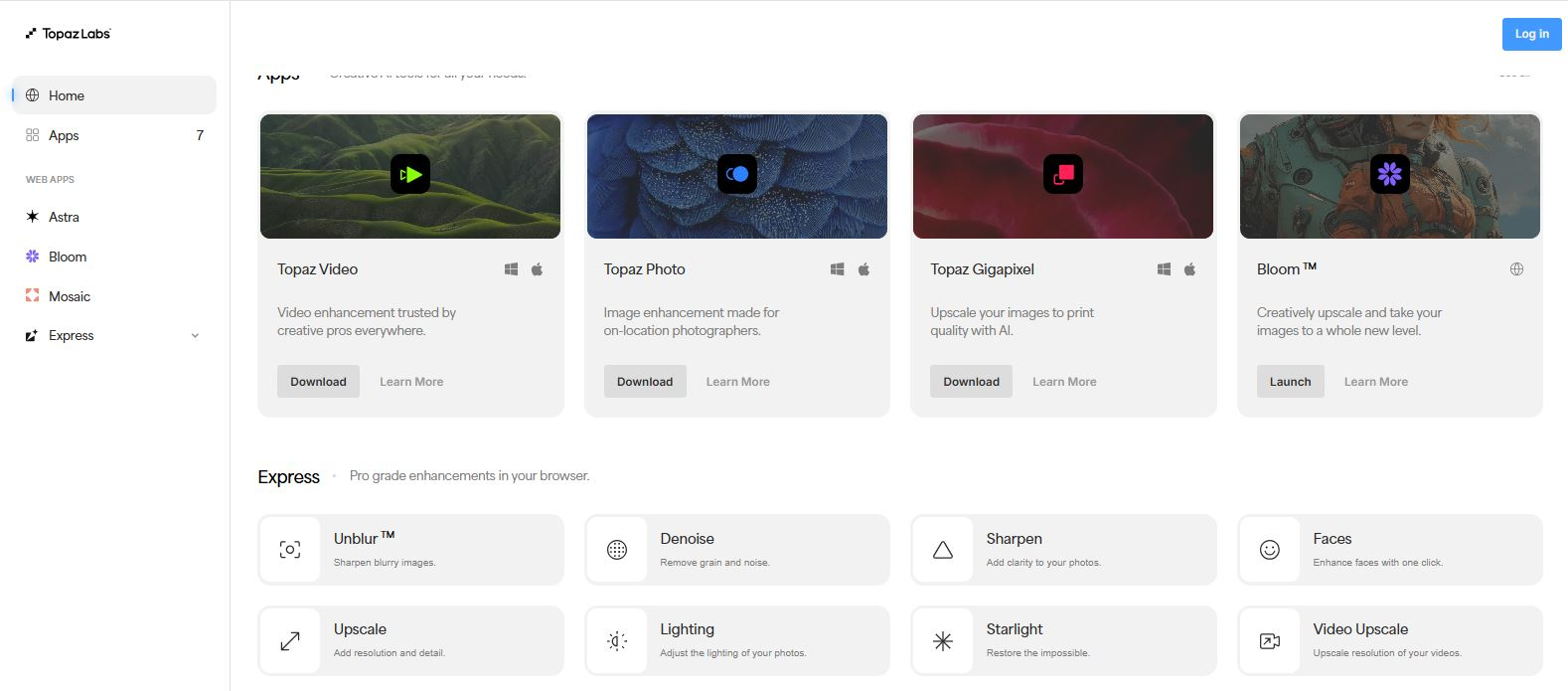
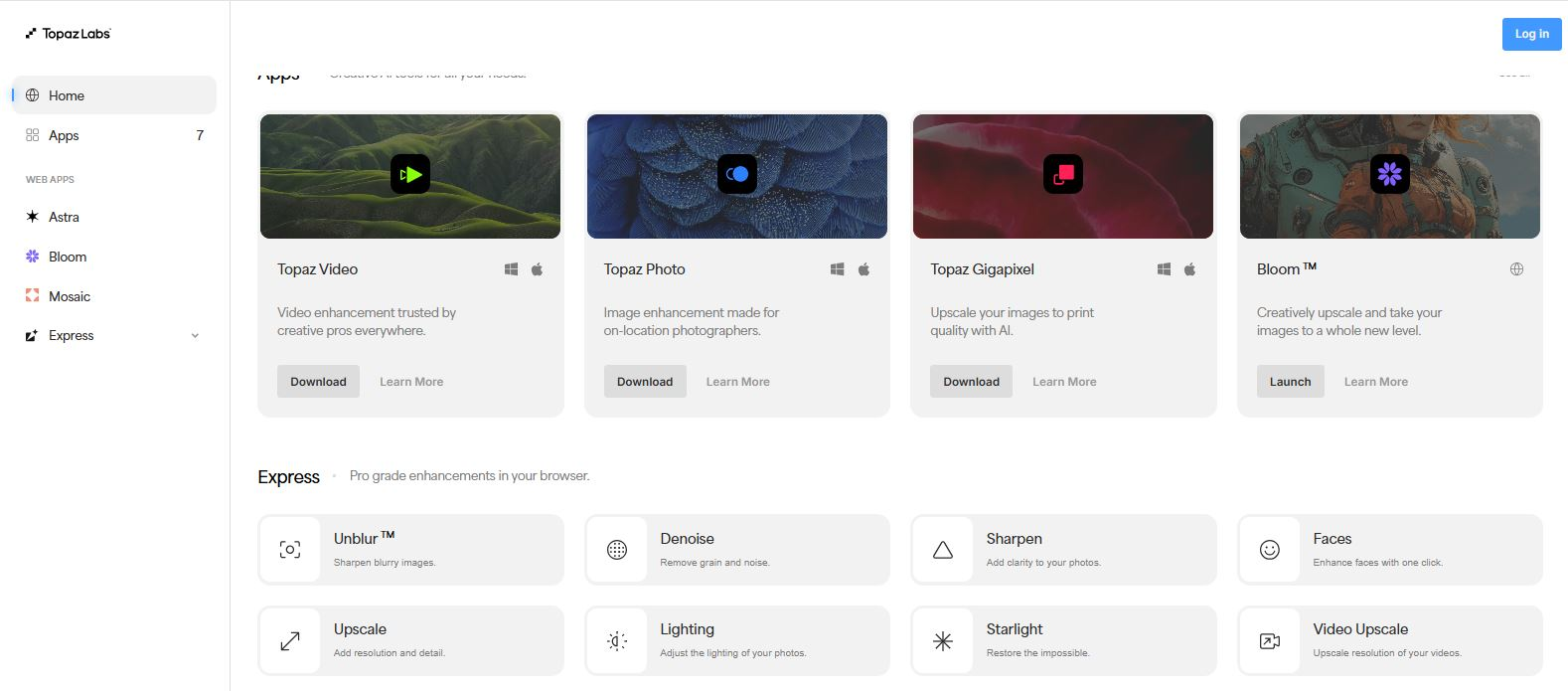
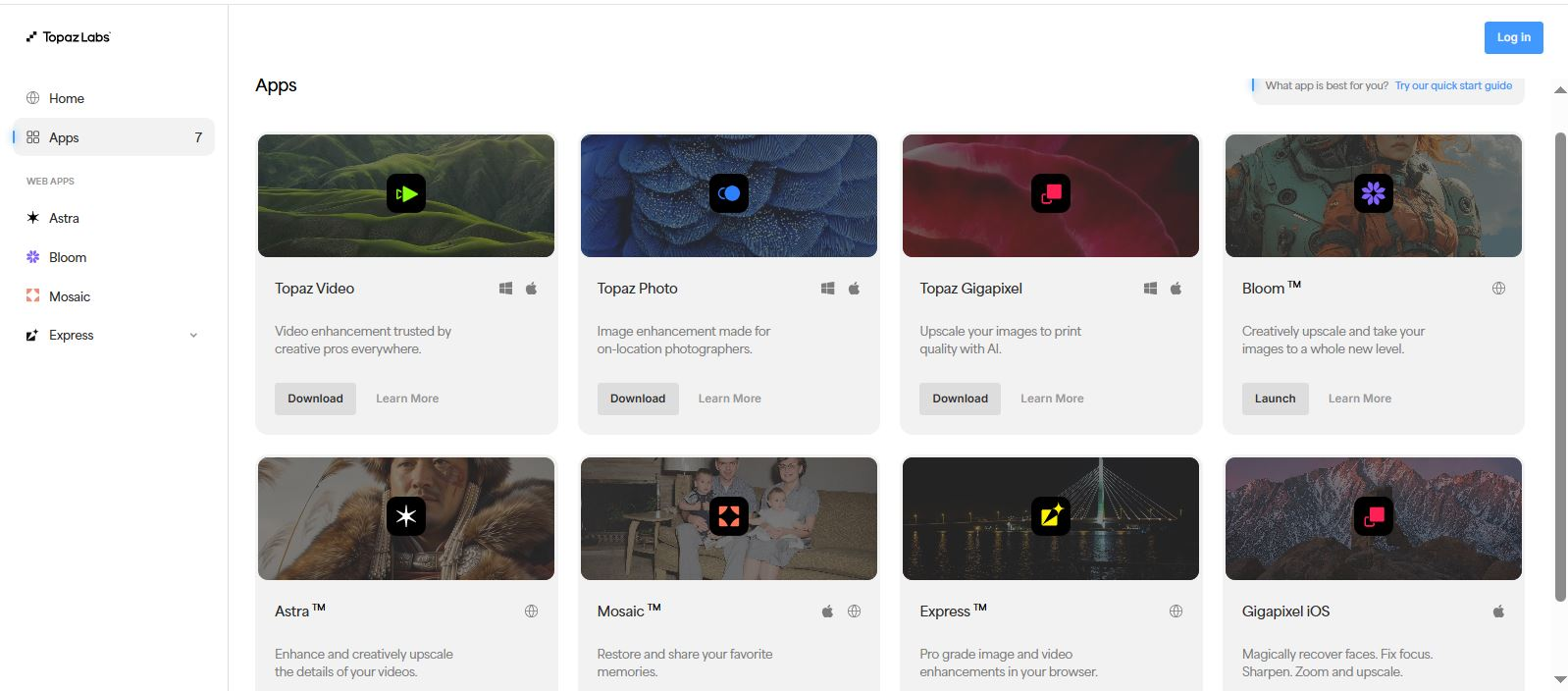
Photographers & RetouchersUpscale and enhance low-resolution or noisy photos while preserving fine details.
-
Videographers & FilmmakersRestore old footage, upscale video resolution, and smooth slow-motion sequences.
-
Content Creators & MarketersImprove the quality of user-generated content, stock media, and social media assets.
-
Archivists & HistoriansDigitally restore and enhance historical photographs and film recordings.
Key Features
Commercial Use
API Available
Gallery & Demo
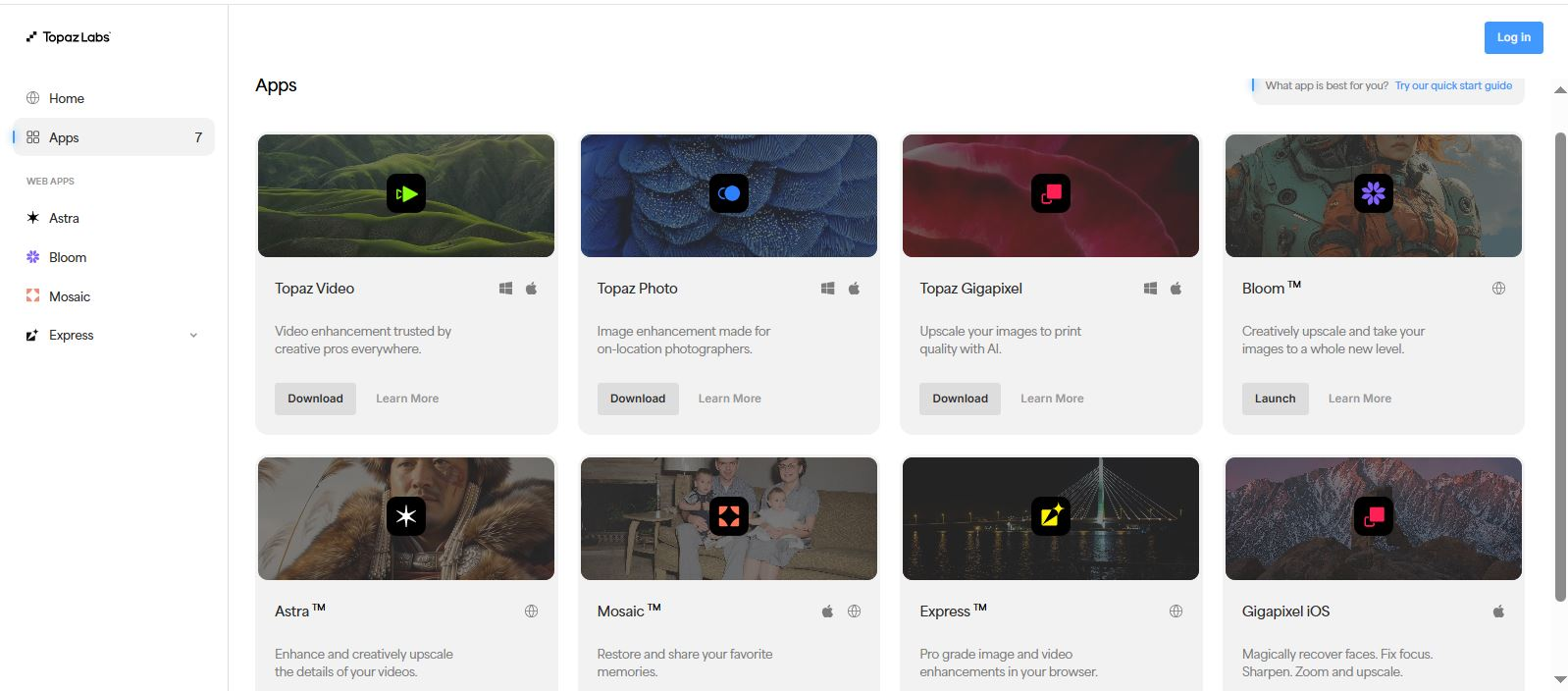
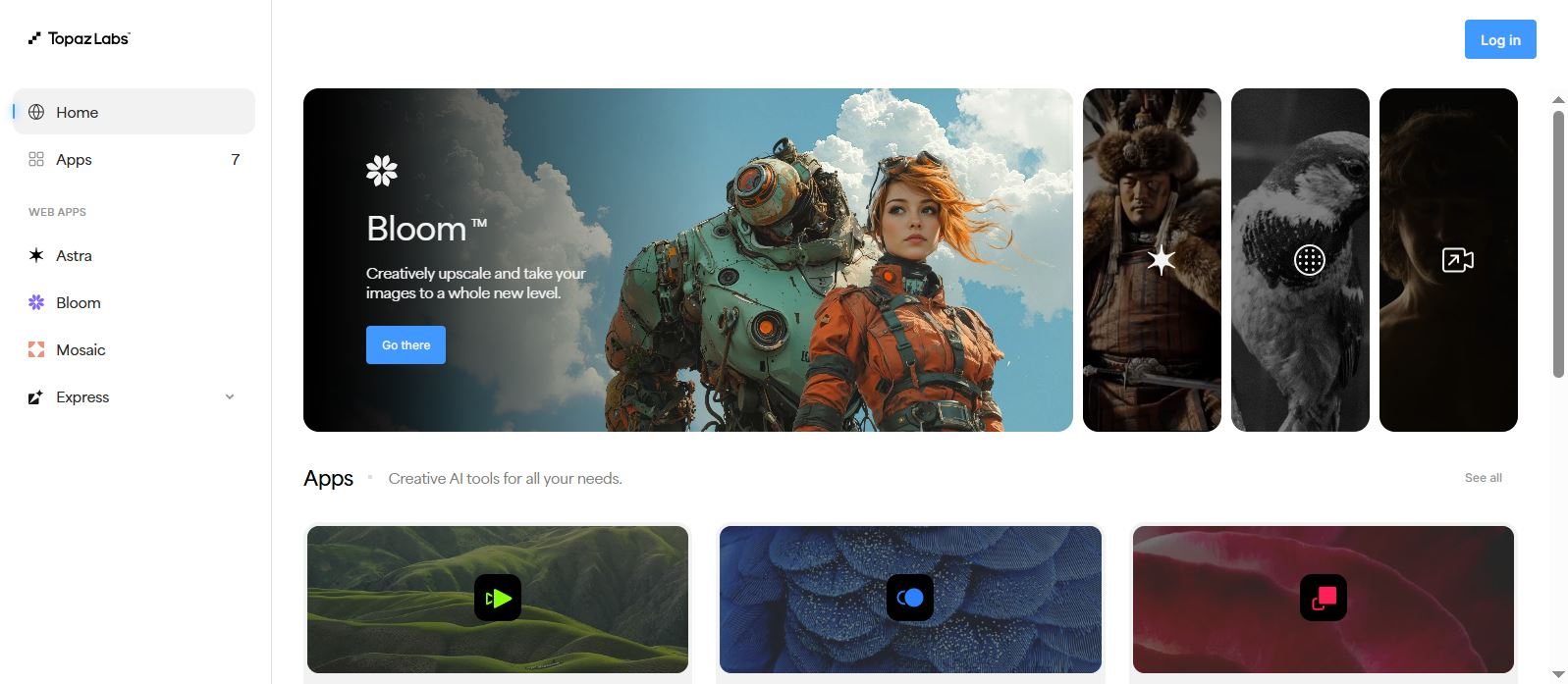
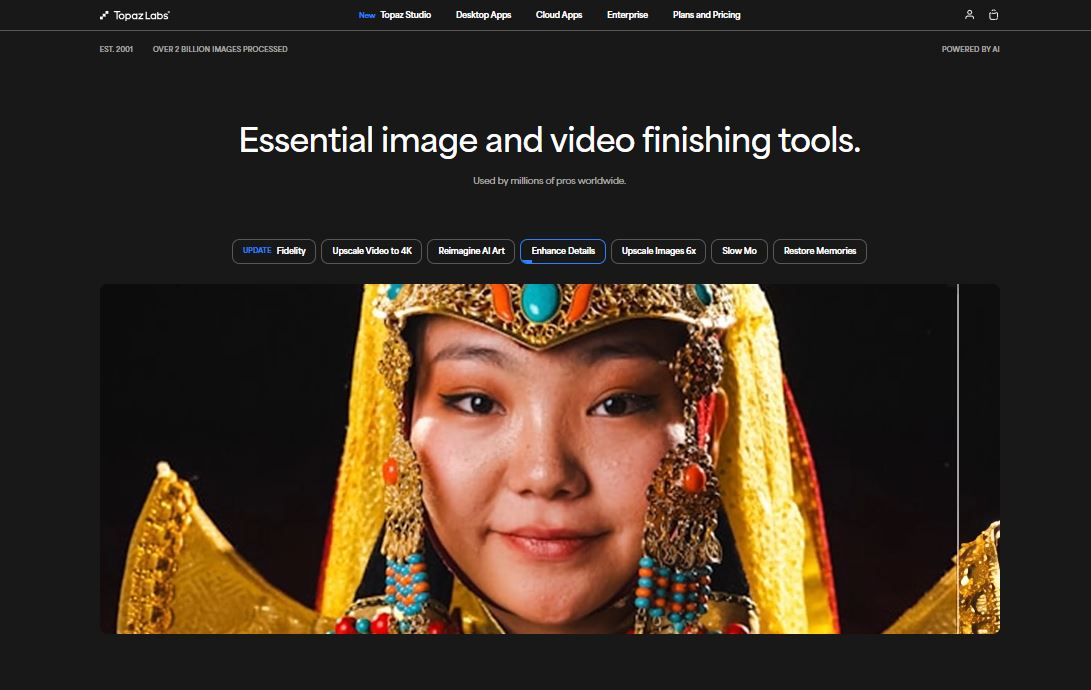
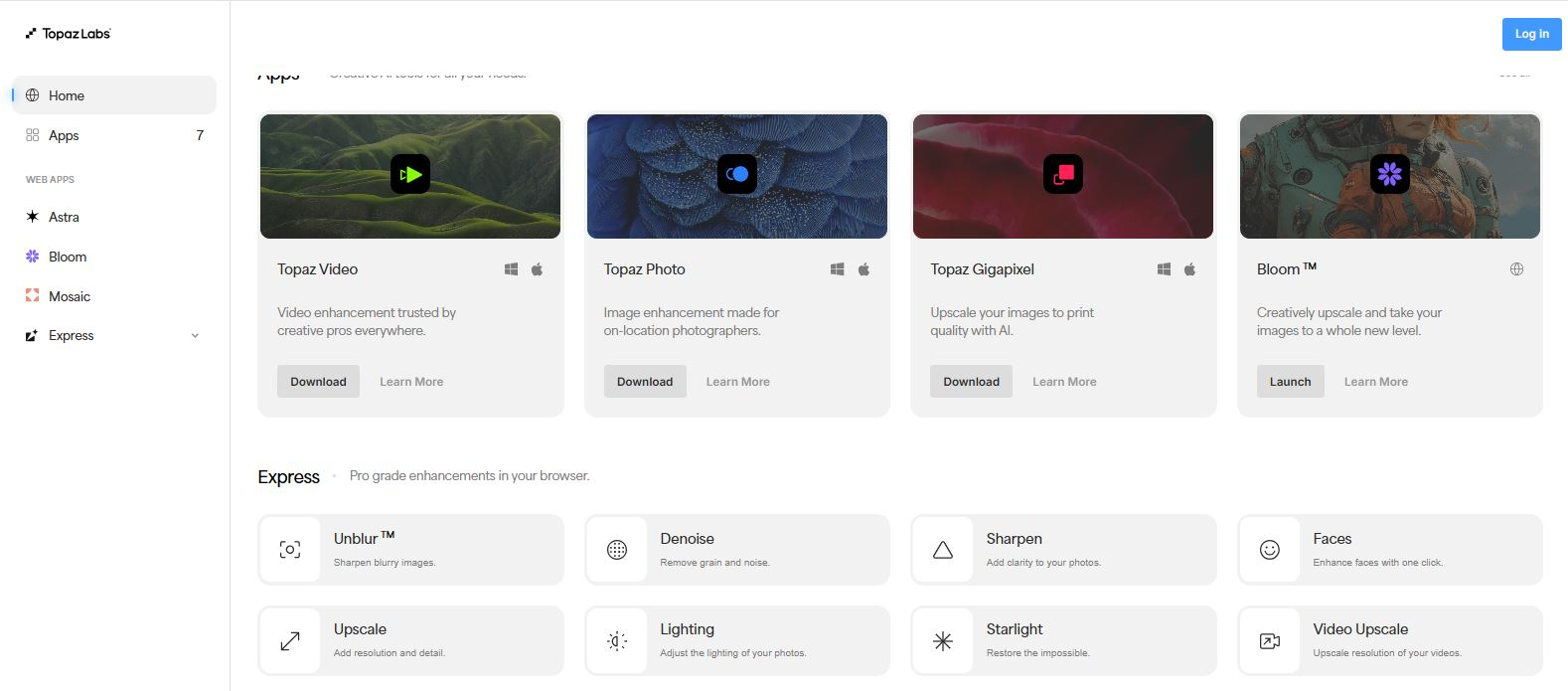
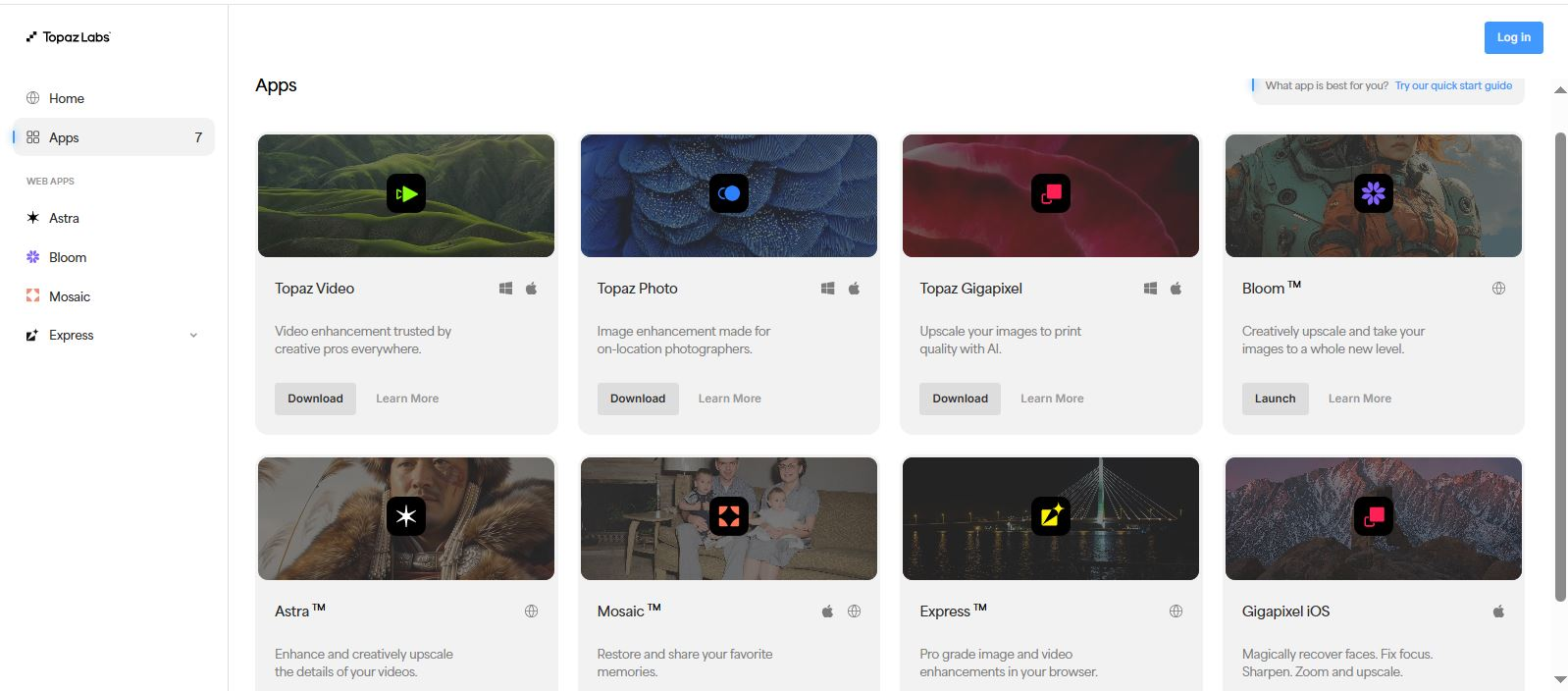
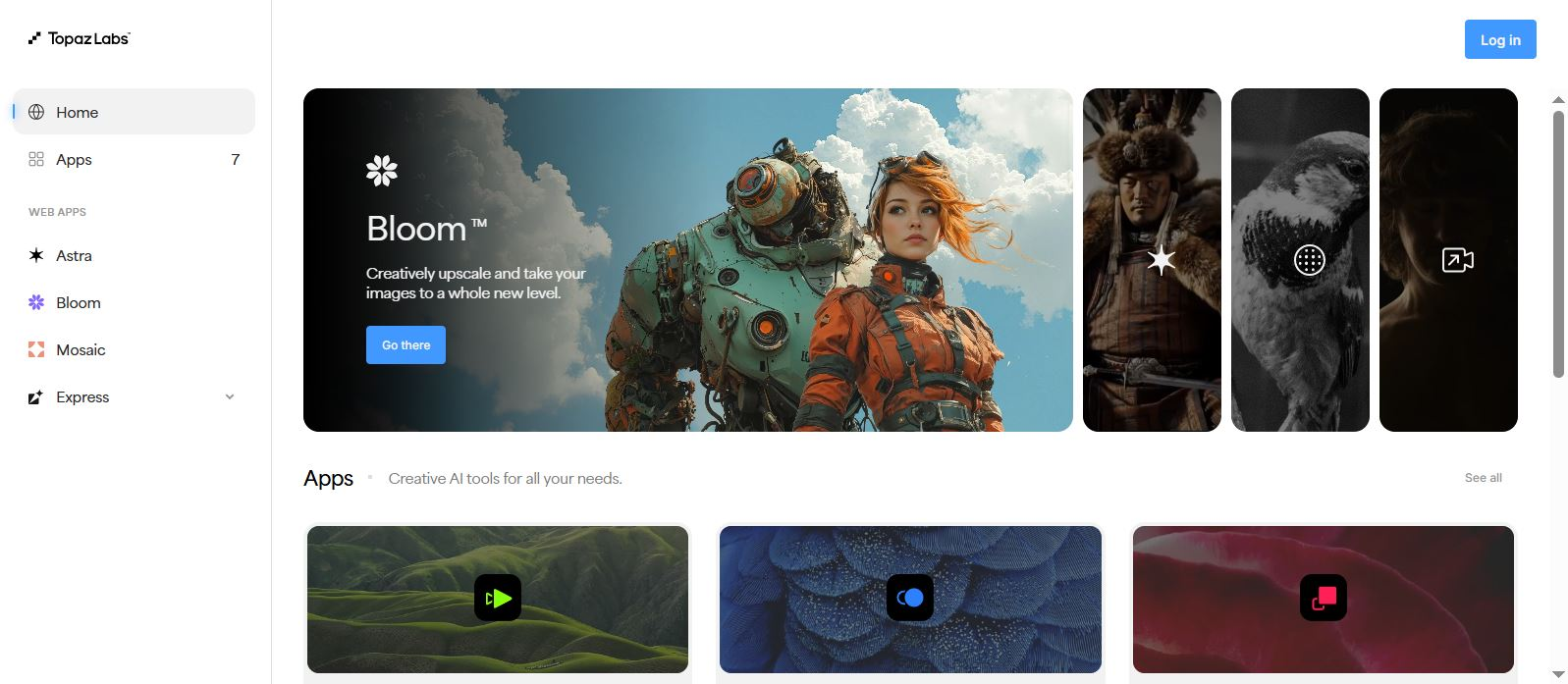
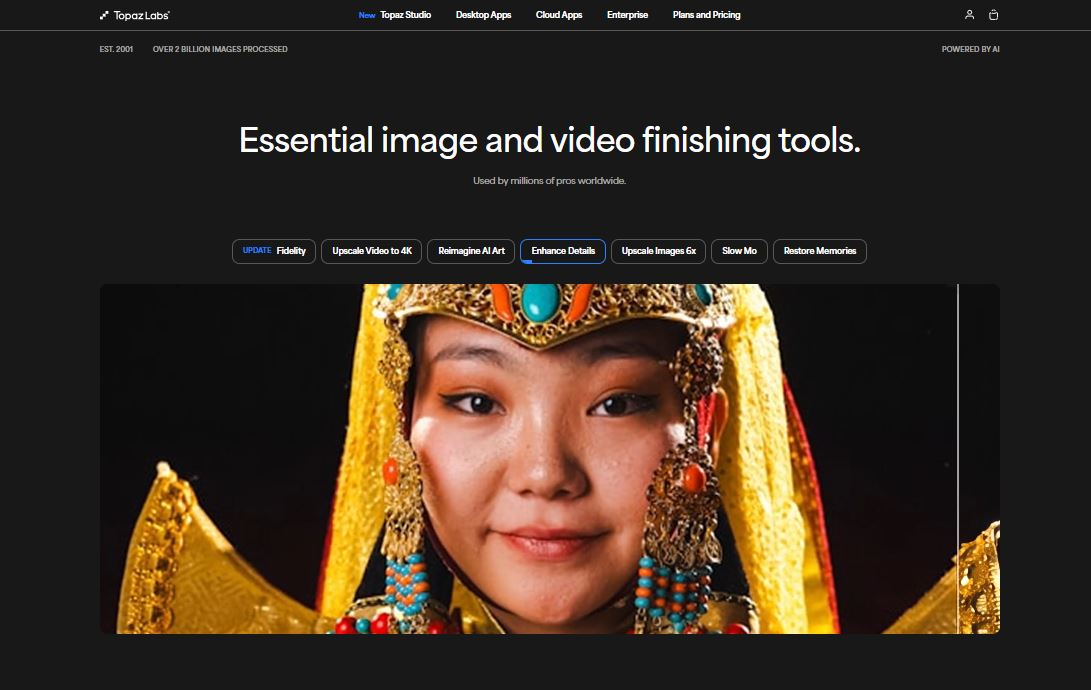
Pros
- Industry-leading AI models for upscaling and denoising
- Processes media locally on your GPU for privacy and quality control
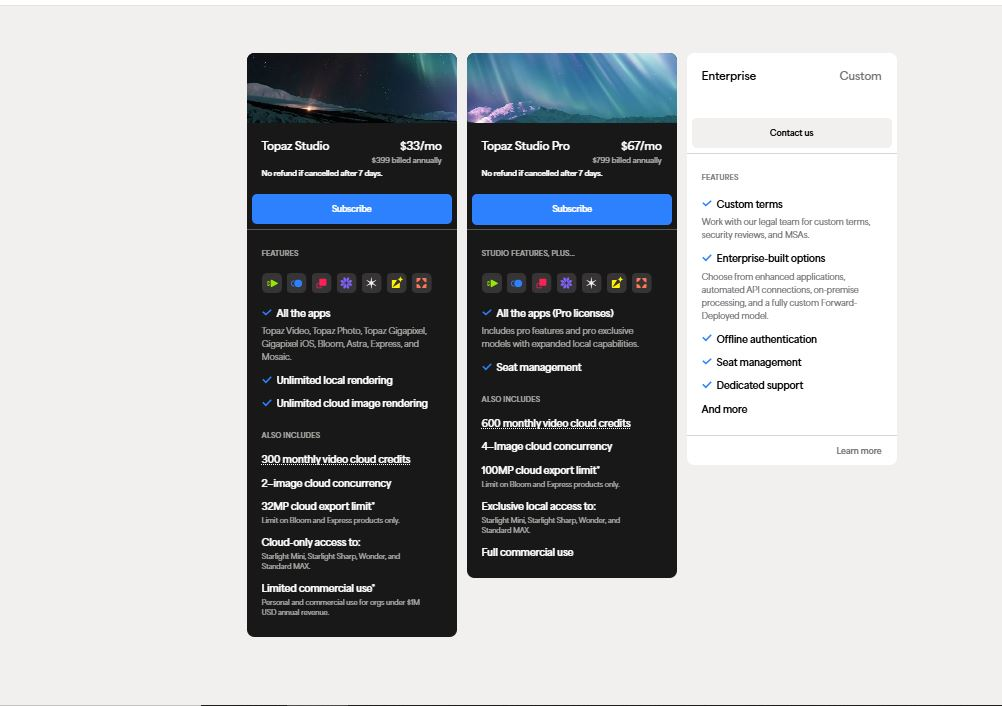
- Perpetual license model (no subscription required after purchase)
- Regular free updates with improved AI models
- User-friendly interface with powerful batch processing
Cons
- High upfront cost for perpetual licenses
- Requires a powerful NVIDIA or AMD GPU for optimal performance
- Primarily desktop software with no true web or mobile app
Frequently Asked Questions
Do I need an internet connection to use Topaz software?
No, once installed, the AI models run entirely on your local computer. An internet connection is only needed for installation and updates.
What are the system requirements?
A dedicated NVIDIA or AMD GPU with recent drivers is strongly recommended for acceptable performance. Integrated graphics are not supported.
Is there a subscription option?
Topaz Labs primarily sells perpetual licenses. You pay once for a major version and receive free updates, including new AI models, for one year.
Release History
vv4.0
Oct 15, 2024
Topaz Photo AI Major Update
Introduced new Autopilot features, enhanced face recovery, and improved noise reduction models.
