
Specifications
Pricing Model
Freemium
Category
Images Generator
Languages
English, Spanish, French, German, Portuguese, Italian, Japanese, Korean, Chinese
Last Update
Updated Dec 2024
Platforms
Web
Best For:
-
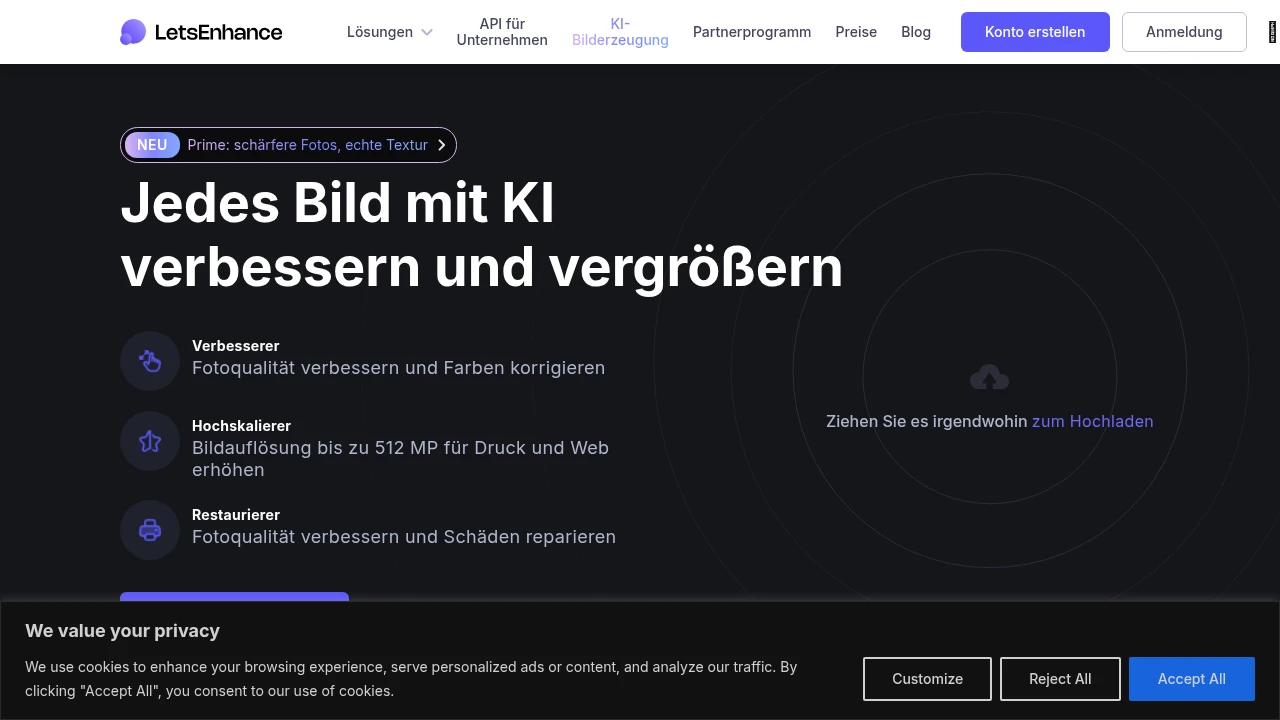
Photographers & DesignersUpscale images for large-format printing, enhance product photos, and restore old or low-quality pictures.
-
E-commerce & MarketingImprove product image quality for online listings, create consistent high-res visuals for campaigns and websites.
-
Real Estate AgenciesEnhance property photos taken in poor lighting, upscale drone shots, and improve overall listing presentation.
-
Content CreatorsQuickly improve screenshot quality, enlarge graphics for social media, and fix blurry images for blogs and videos.
Key Features
Commercial Use
API Available
Beginner Friendly
Gallery & Demo
Pros
- Exceptional AI upscaling quality that preserves and adds realistic details
- User-friendly interface suitable for beginners and professionals
- Batch processing capability for handling multiple images efficiently
- Offers a robust API for integration into automated workflows
- Includes useful additional tools like background removal and color correction
Cons
- Free plan is very limited in credits and resolution output
- Can be expensive for high-volume users compared to some alternatives
- Processing speed for large batches depends on server load
Frequently Asked Questions
How does Let's Enhance upscale images without losing quality?
It uses proprietary neural networks trained on millions of images to intelligently reconstruct details, textures, and edges during the upscaling process.
Is there a free plan?
Yes, a free plan offers a limited number of credits per month for low-resolution processing, which is ideal for testing.
Can I use the enhanced images commercially?
Yes, all images processed through paid plans are free of watermarks and can be used for commercial purposes.
Release History
vv2.0
Nov 01, 2023
New AI Models & API
Introduced next-generation upscaling models with improved detail generation and launched a more powerful API for developers.
