
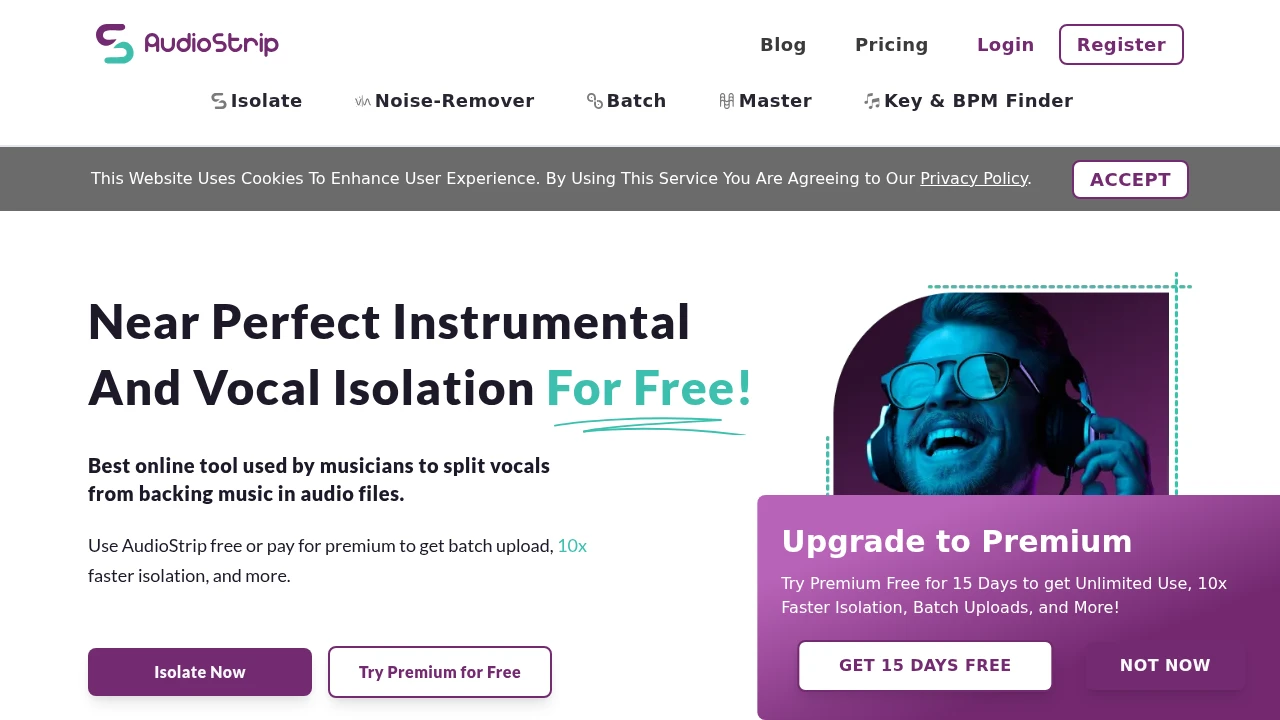
Specifications
Pricing Model
Freemium
Category
Audios Generator
Languages
English
Last Update
Updated Dec 2024
Platforms
Web
Best For:
-
Musicians & ProducersExtract stems for remixing, sampling, or practice.
-
Content CreatorsCreate custom karaoke tracks or clean background music for videos.
-
DJsIsolate vocals or instrumentals for live mashups and edits.
Key Features
No Watermark
Commercial Use
API Available
Beginner Friendly
Gallery & Demo
Pros
- High-quality AI separation for vocals and instrumentals
- Extremely user-friendly and requires no installation
- Fast processing directly in the browser
- Offers a free tier for basic use
- Supports batch processing for multiple files
Cons
- Free tier has limited minutes and lower quality output
- Advanced features and higher quality require a paid subscription
- Processing speed for large files can depend on server load
Frequently Asked Questions
Is AudioStrip free to use?
Yes, it offers a free tier with limited separation minutes per month. Premium plans provide more minutes, higher quality, and faster processing.
What audio formats are supported?
It supports common formats like MP3, WAV, FLAC, OGG, and M4A.
Can I use the separated tracks commercially?
Yes, with a paid subscription, you are granted a license for commercial use of the output. The free tier is for personal use only.
Release History
vv2.0
Oct 15, 2024
New AI Models & API Launch
Introduced new, more accurate separation models (Ultimate Vocal Remover, Demucs) and launched a public API for developers.
