Specifications
Pricing Model
Freemium
Category
Videos Generator
Languages
29 Languages
Last Update
Updated Dec 2025
Platforms
Web
iOS
Android
Best For:
-
Social Media Creators & MarketersCreate engaging posts, stories, and short videos for platforms like Instagram, TikTok, and Facebook quickly.
-
Small Businesses & EntrepreneursDesign professional marketing materials, logos, flyers, and promotional videos without hiring a designer.
-
Educators & StudentsDevelop visually compelling presentations, posters, and educational video content for projects and classrooms.
Key Features
No Watermark
Commercial Use
Mobile App
Beginner Friendly
Gallery & Demo
Pros
- Extremely user-friendly and intuitive interface, ideal for beginners
- Powerful integrated AI features (Adobe Firefly) for text-to-image and generative fill
- Massive library of high-quality, customizable templates and Adobe Stock assets
- Seamless integration with Adobe Creative Cloud ecosystem
- Completely free core plan with robust features and no watermarks on exports
Cons
- Advanced features and premium assets require a paid Premium subscription
- Some AI generation credits are limited on the free plan
- Less granular control compared to professional tools like Premiere Pro or Photoshop
Frequently Asked Questions
Is Adobe Express really free?
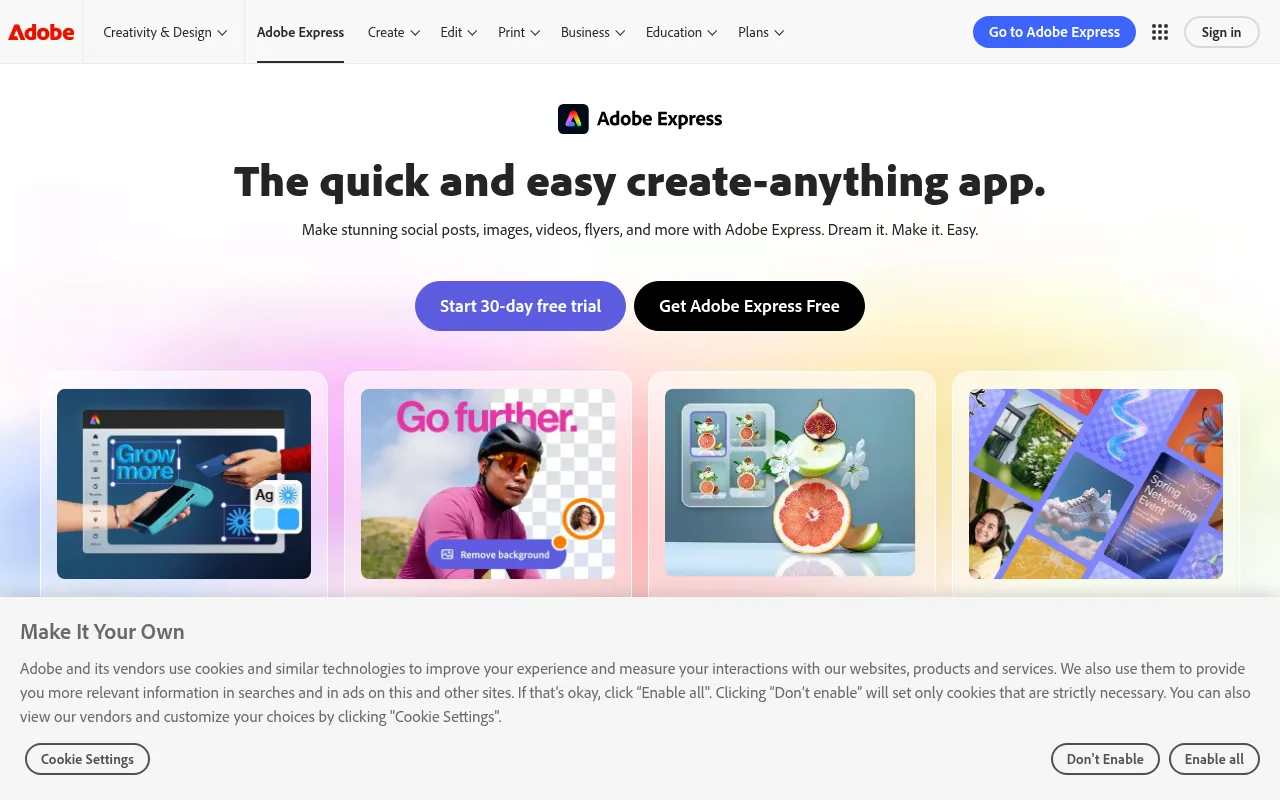
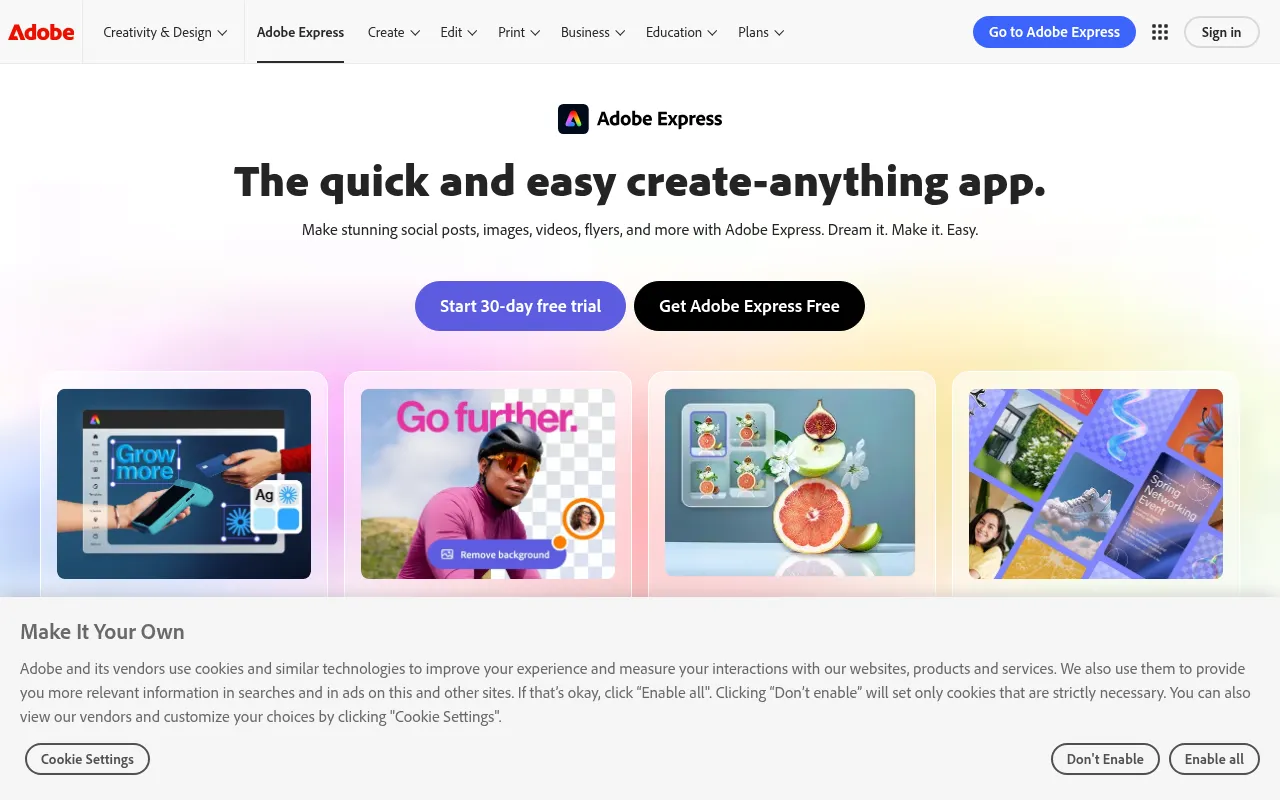
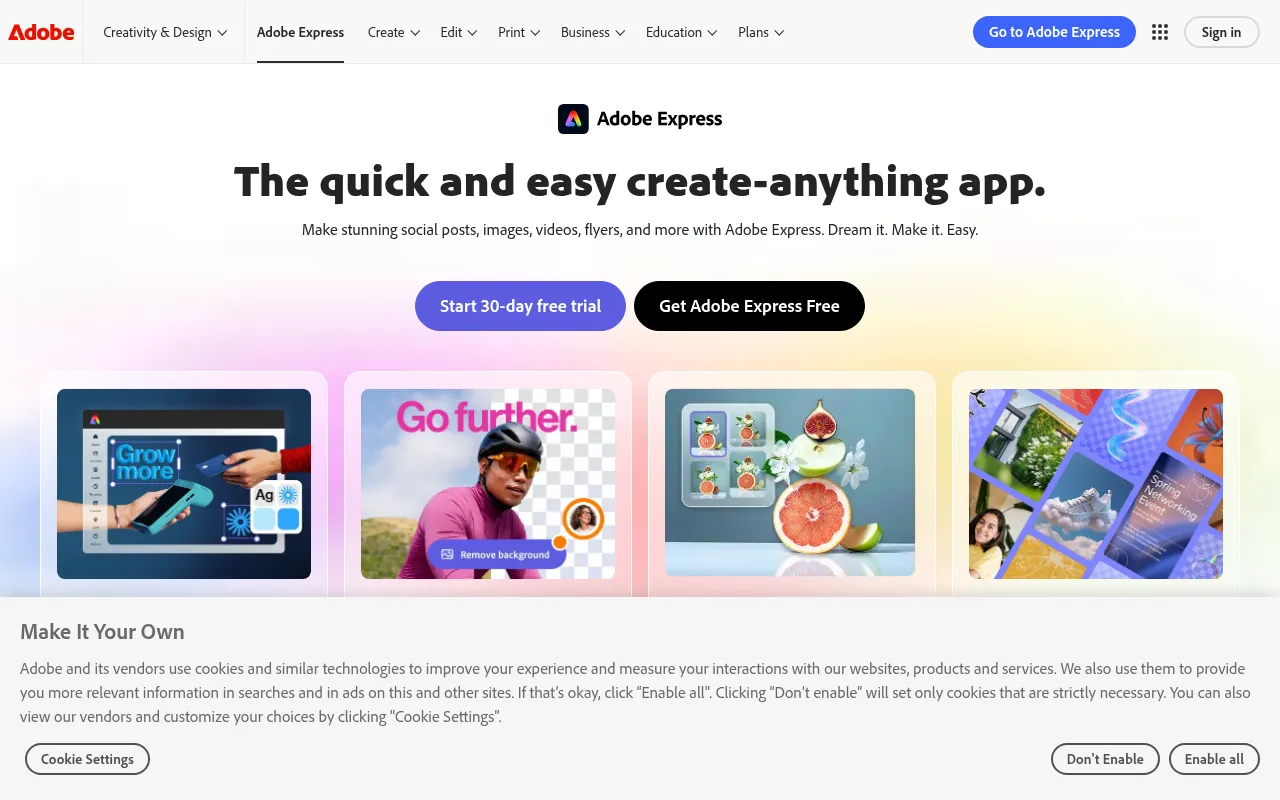
Yes, a robust free plan is available with core editing tools, templates, and generative AI credits, exporting without watermarks. A Premium plan unlocks more features, assets, and AI generations.
What AI features does it have?
It includes Adobe Firefly for Text to Image, Generative Fill, Text Effects, and AI-powered quick video editing and resizing tools.
Can I use it on my phone?
Release History
vFirefly Integration
Jan 27, 2026
Major AI Update
Integrated Adobe Firefly generative AI models directly into the Express workflow for text-to-image and more.
